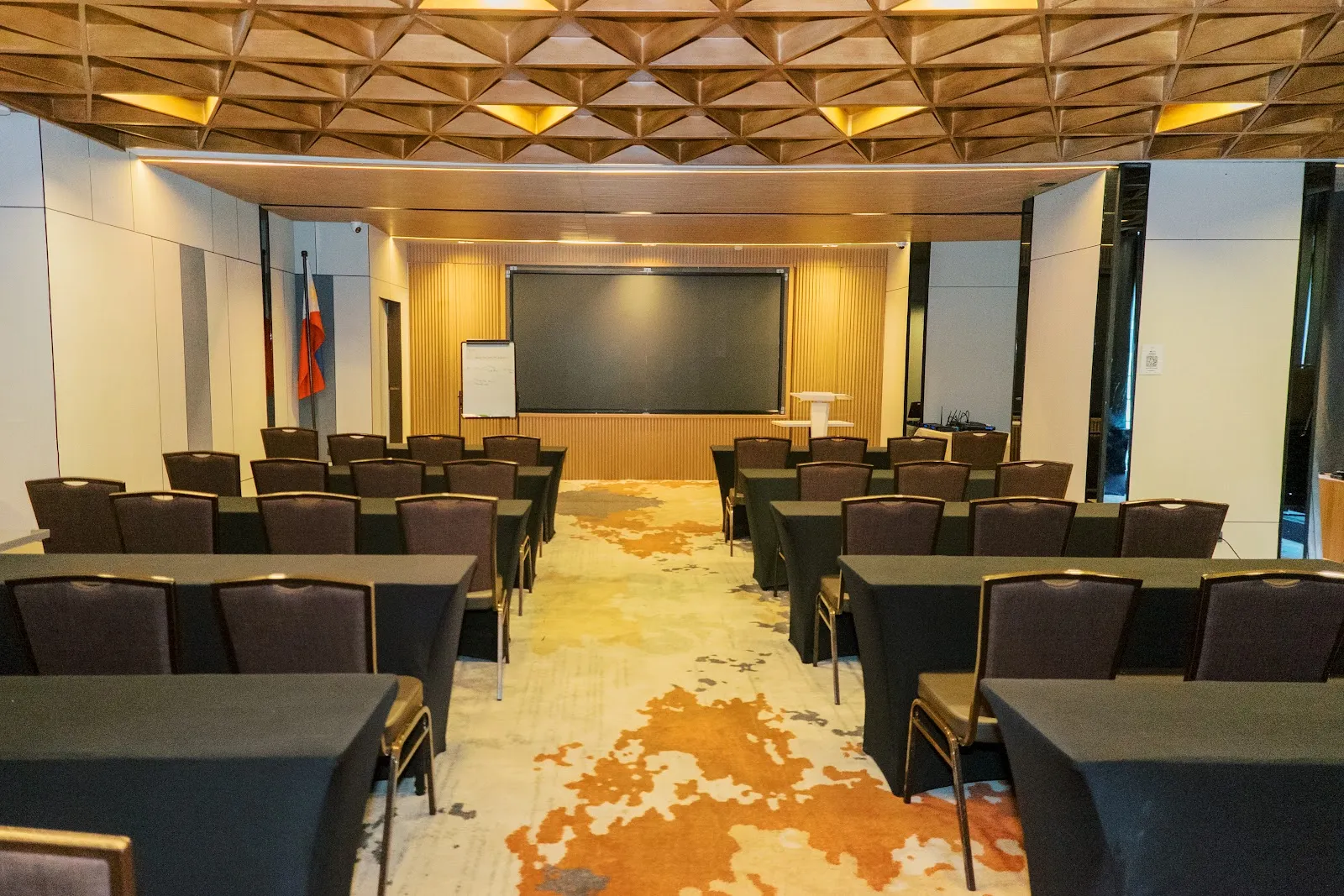
2
build days
Aug 22 and 23, 2026, at Novel Hotel BGC.
Robots & Coffee workshop · Batch 1 · Aug 22 to 23, 2026 · Novel Hotel BGC
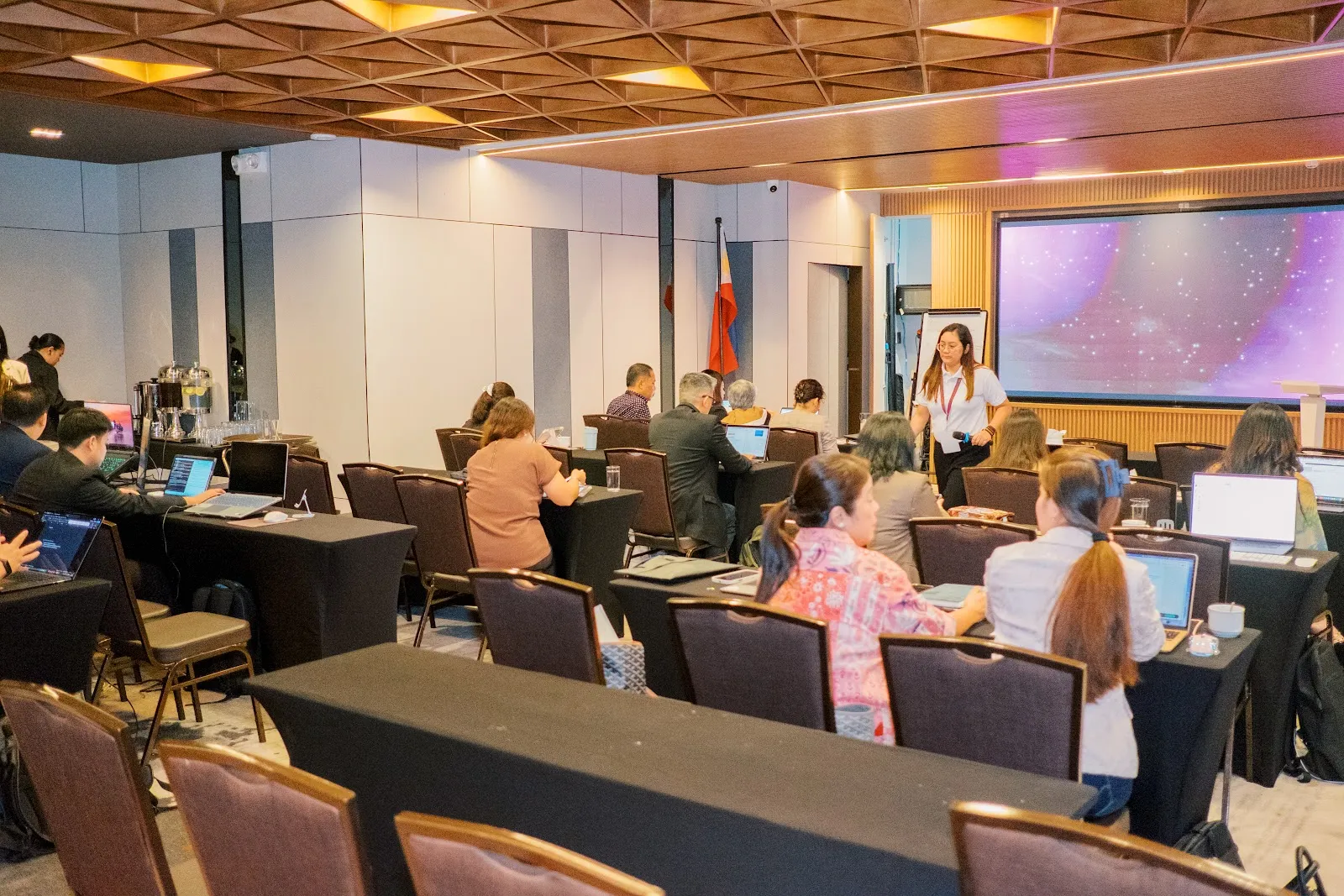
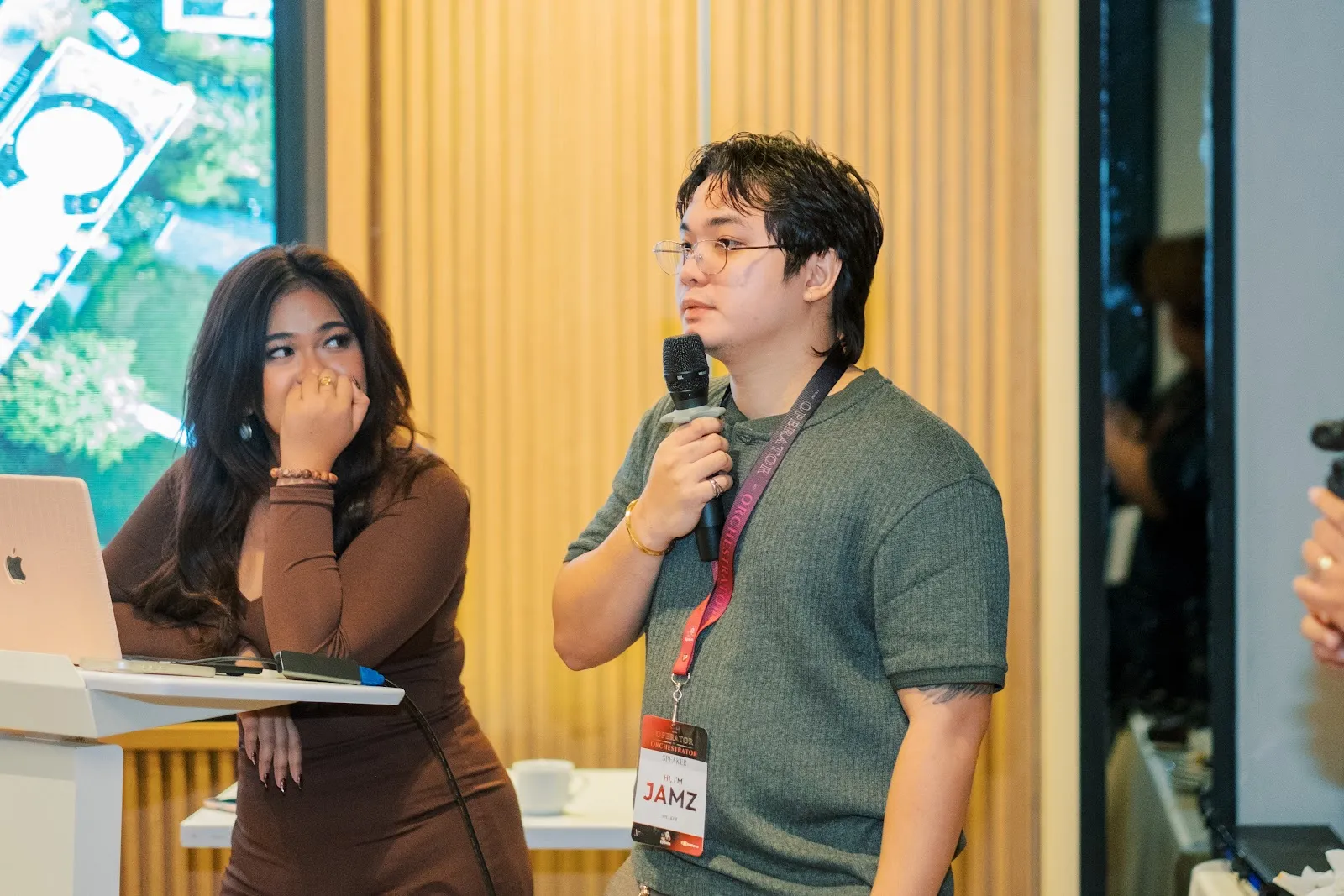
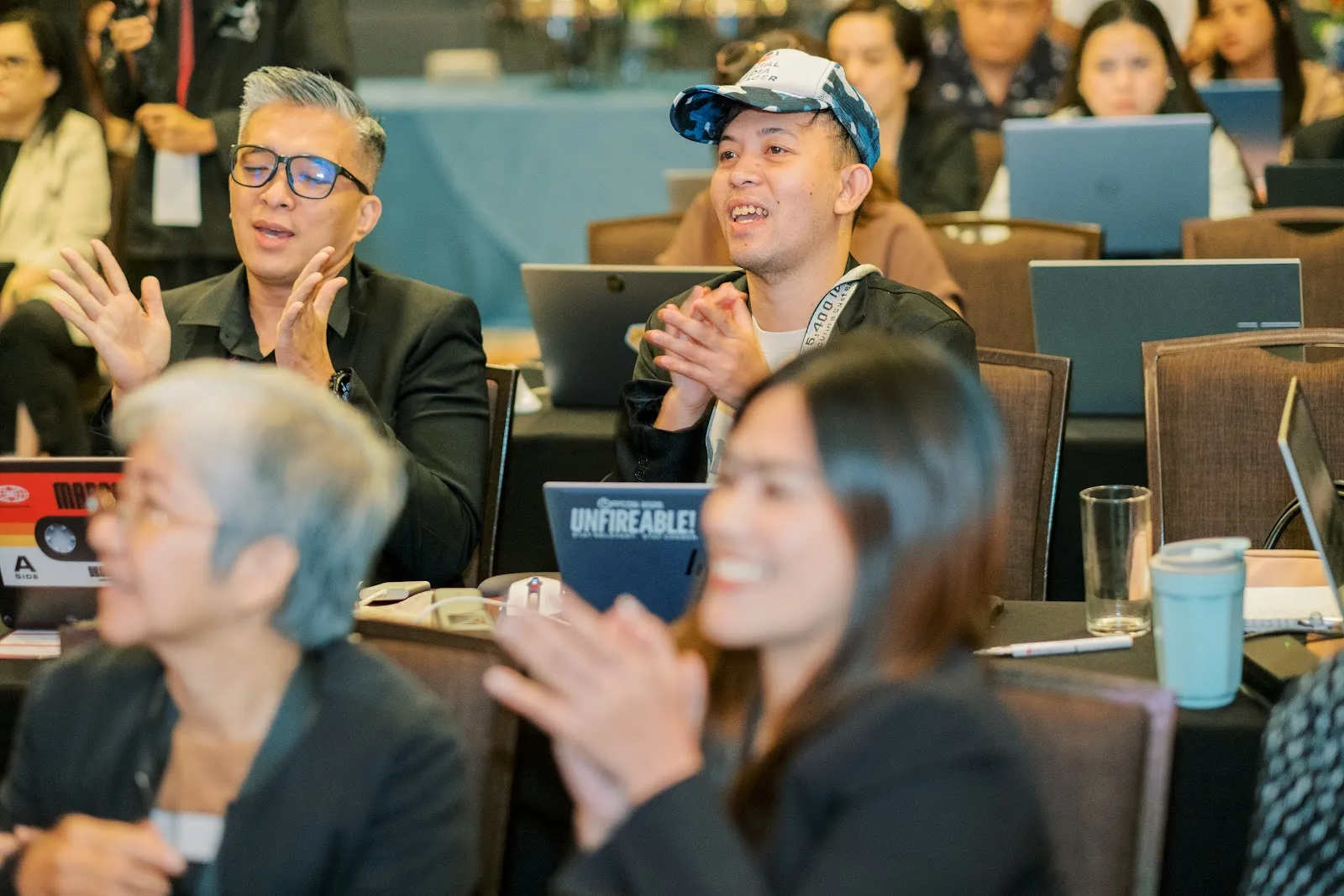
Two build days in BGC with Gwen Ayala and Jamz Jamorol. Day one every founder built an AI employee for their own business and put it live on the internet. Day two they gave it a UI system of their own and published again.
Batch 1 recap film · the room, Day 1
Two days, in five slides.
2
build days
Aug 22 and 23, 2026, at Novel Hotel BGC.
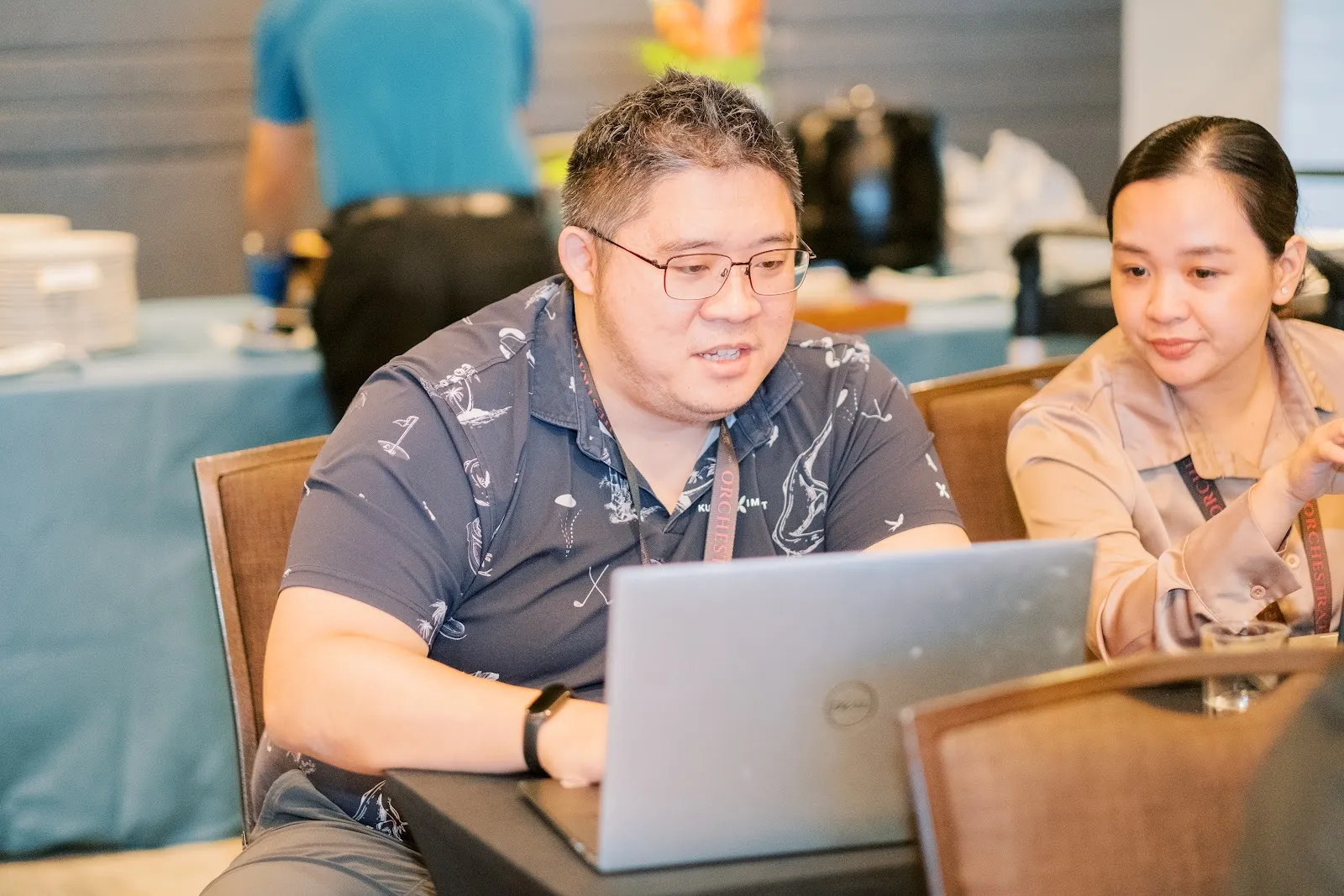
Day 1
Building an AI employee.
Claude Code set up on every founder's own machine, Mac and Windows, walked through live. Shipped live with a public link before the session ended.
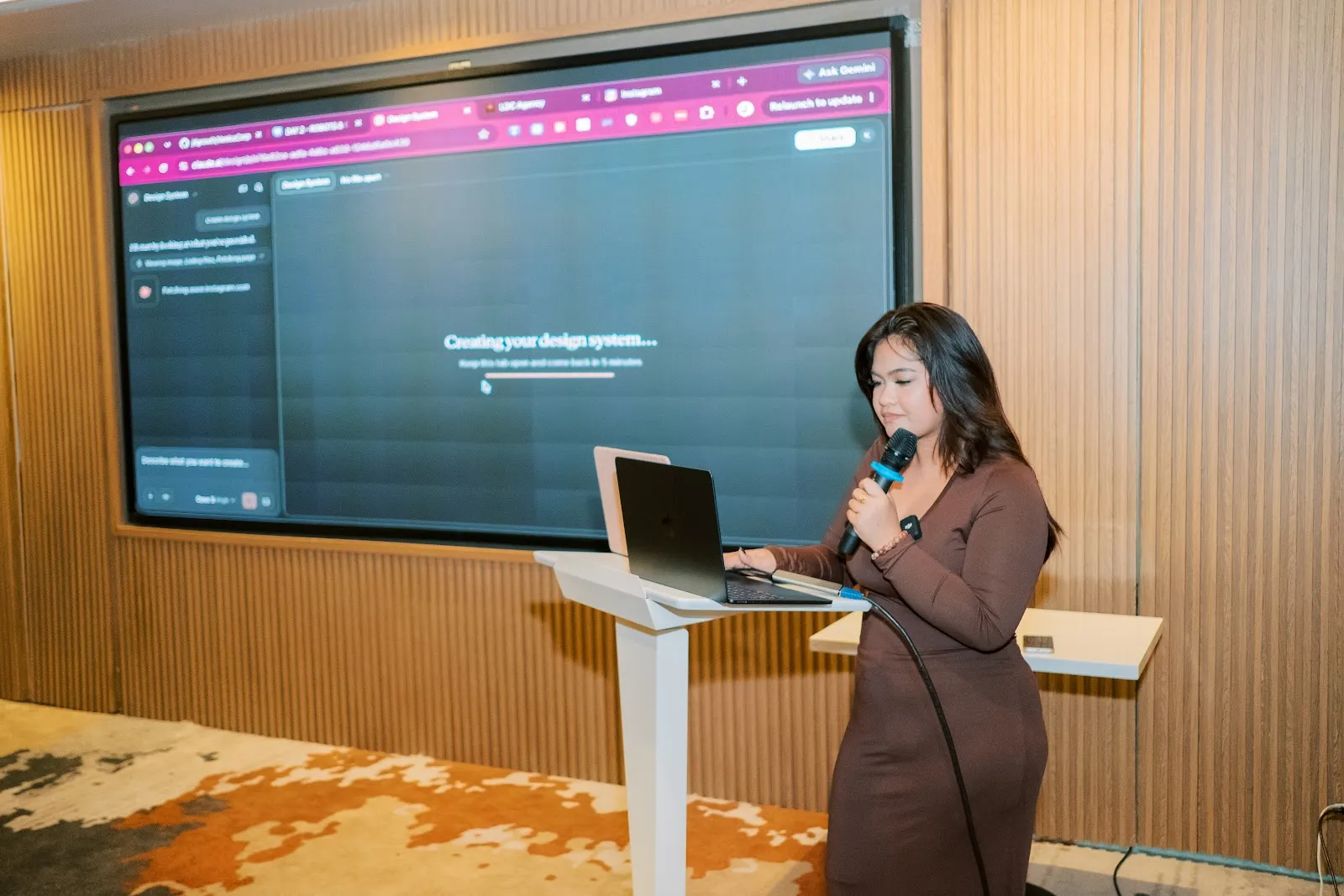
Day 2
Your own UI system.
Each system written down as a DESIGN.md file the AI must follow on every page, then applied to Day 1's tool and published again.
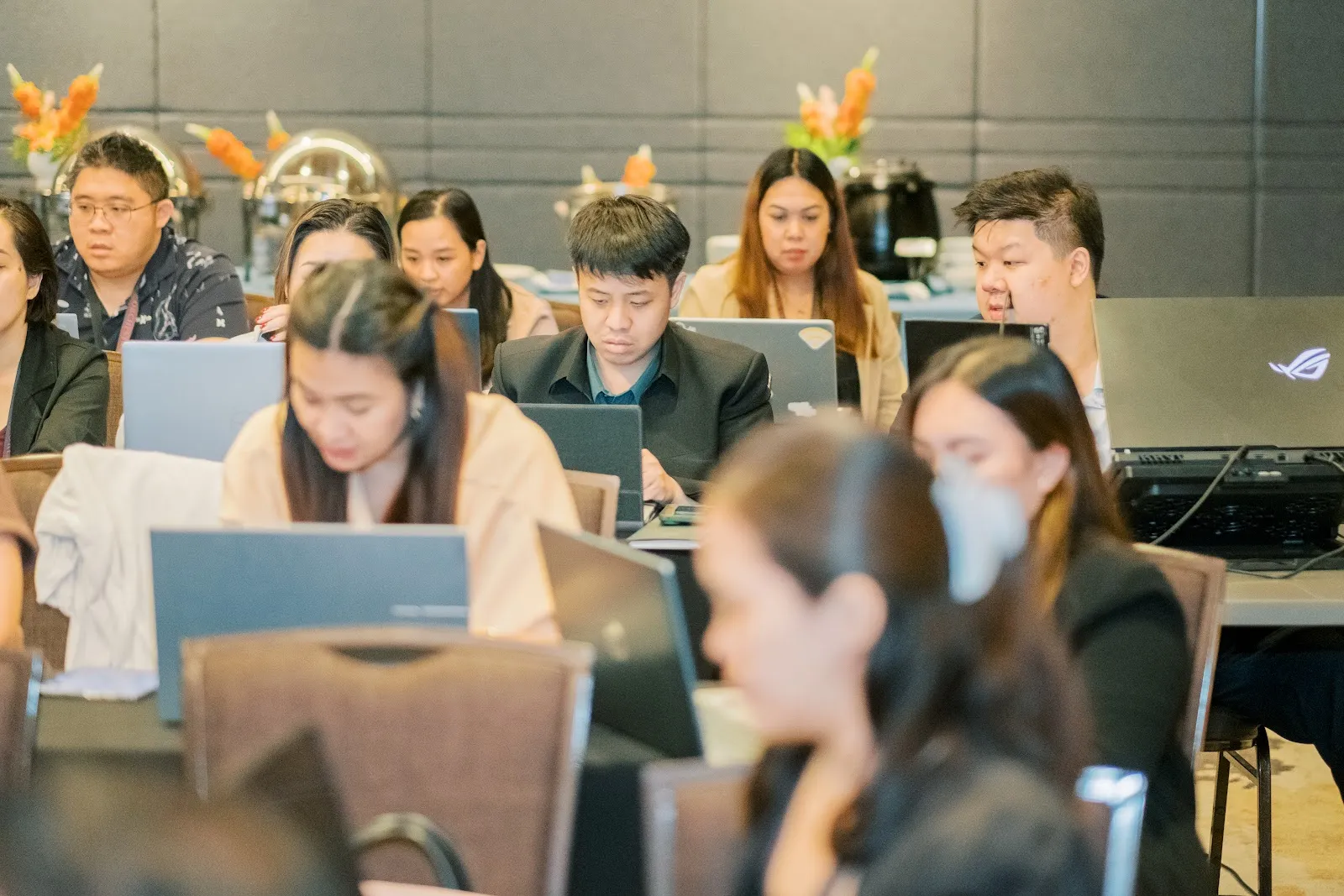
Every
builder shipped a live link before Day 1 ended.
Gwen and Jamz on the floor the whole time, with a floor team at the tables.
5
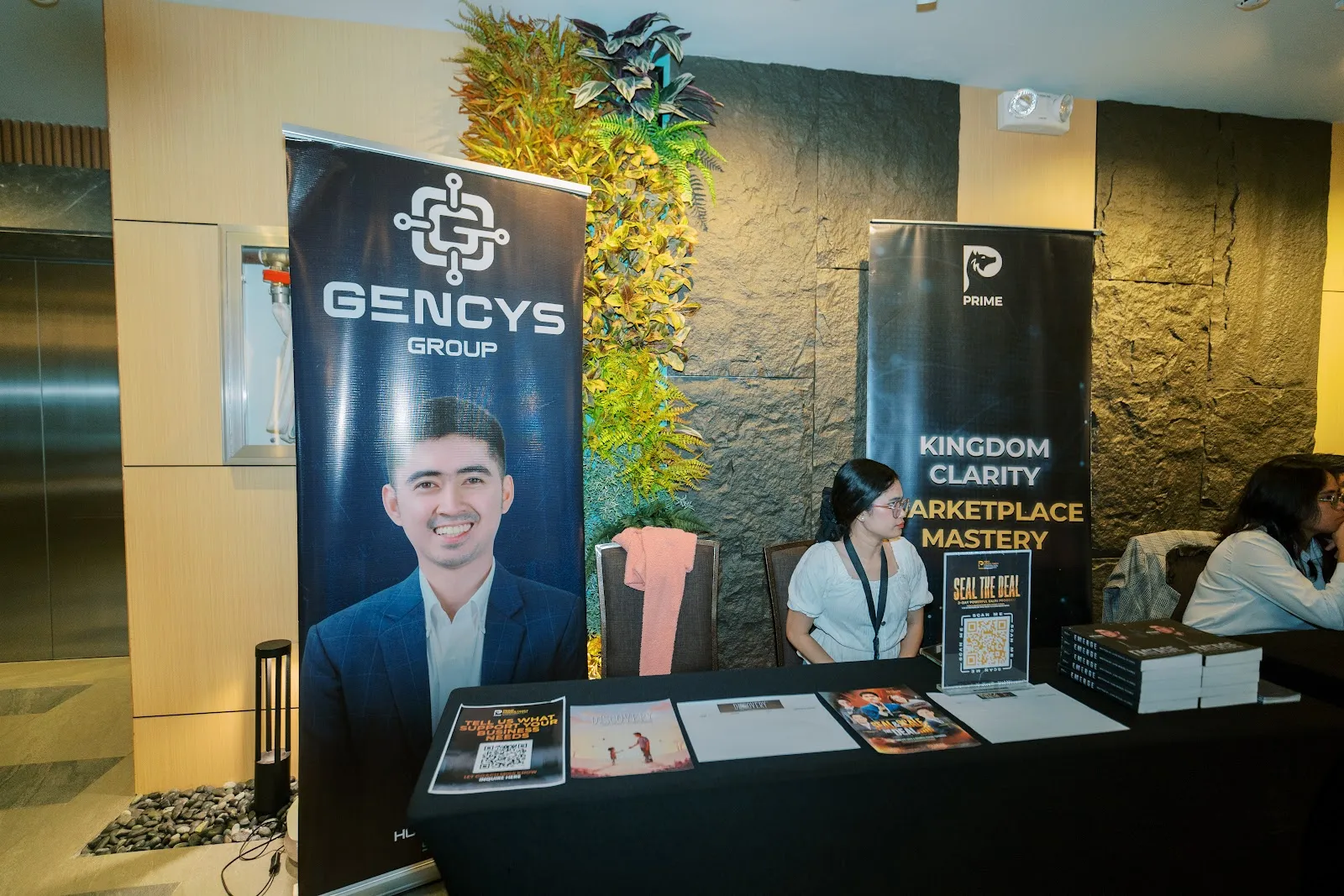
booths in the room.
Biyahe Ko, Gencys Group, Prime, Valenin Technologies and Kraftina had booths in the room across the two days.
What they shipped
What Batch 1 founders shipped in the weeks after, as they posted it in the batch group. Phone clips of their own screens, no retakes.
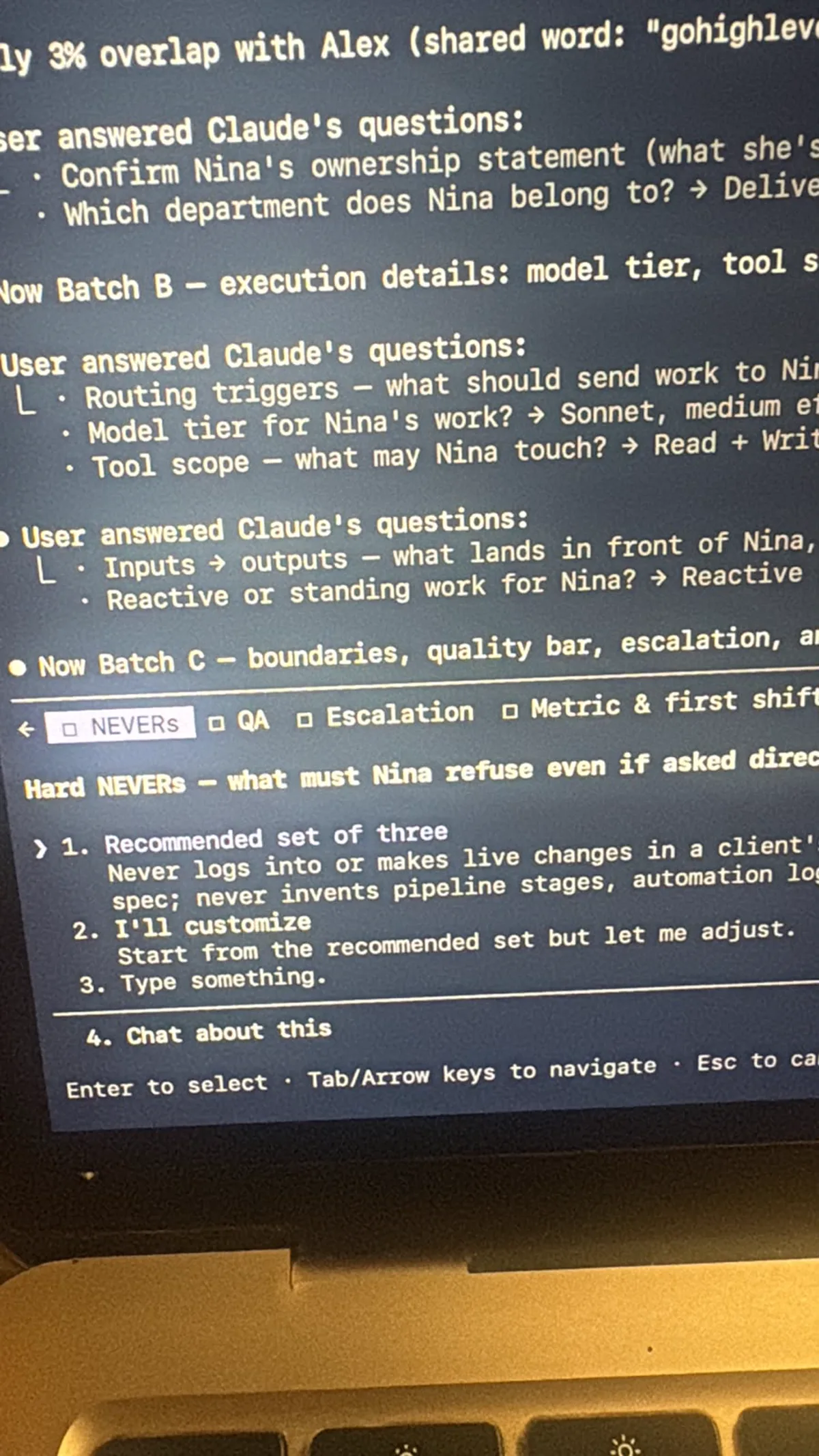
"Literally 20 hours akong nasa Claude, 4 hours sleep. Dami ko na-build. Mga blockers namin sa agency, isa-isa na naming nagawan ng solution, thanks to what you taught us during the workshop."
"Mas nakita ng dalawang mata ko kung paano ko magagamit ang AI to become more effective and efficient sa daily business operations ng client ko, by building systems and AI employees around the business."
"Nakagawa na ng improvised headquarters, pinaghirapan, tsaka own website gamit si COO."
What this was
Most founders had used AI to write a message or summarize a document. Few had used it to build and ship a real tool: something with a live link, running on their own laptop, doing a job.
This room closed that gap in two days. Every founder left with software they built themselves, deployed, and theirs.
None of it replaced a team. It took the repetitive work off the team's plate: the same reply forty times, the message at 11pm.
The record
Day 1
Day 2
Photos
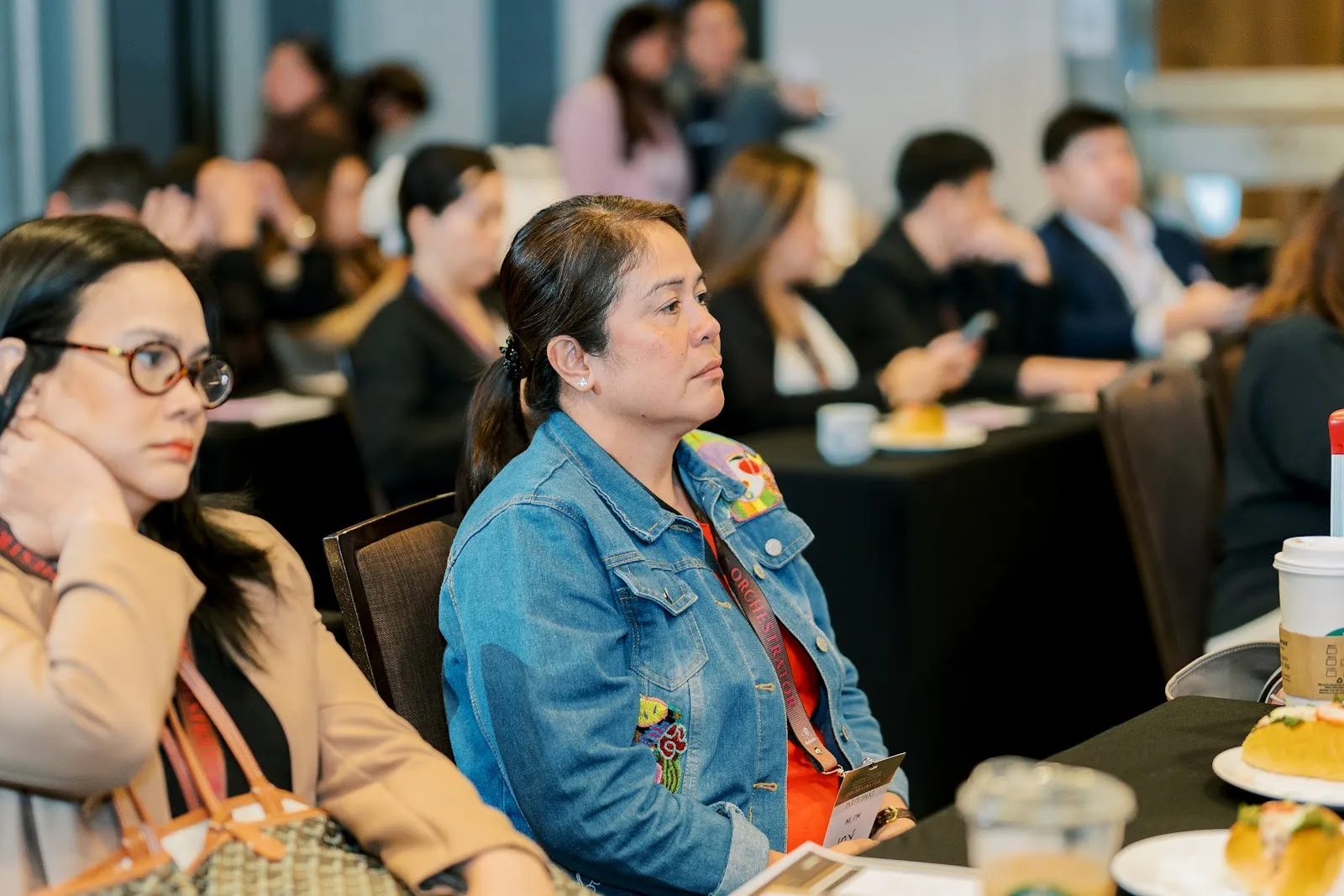
No stock photos. Photos by Atalia Studios.
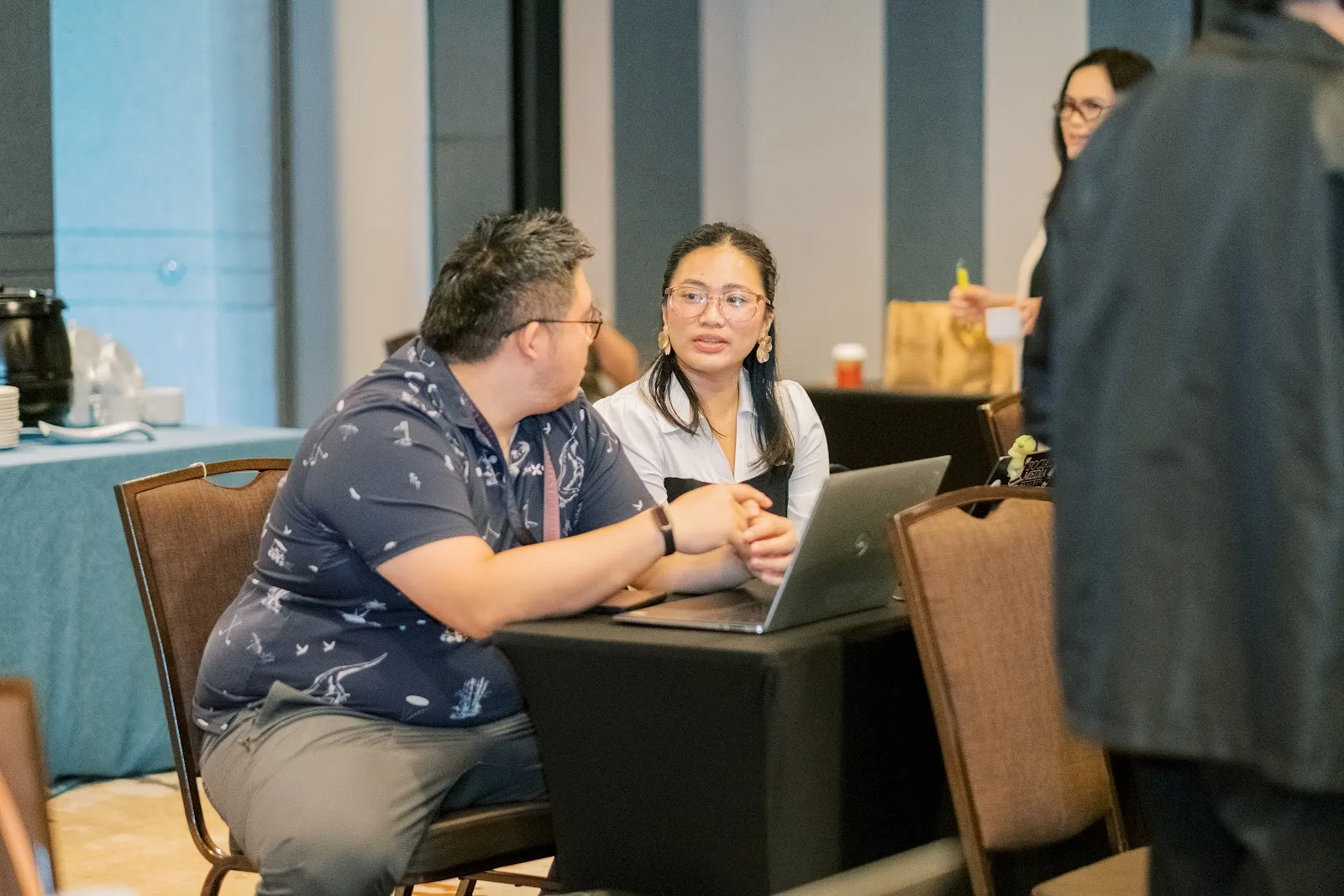
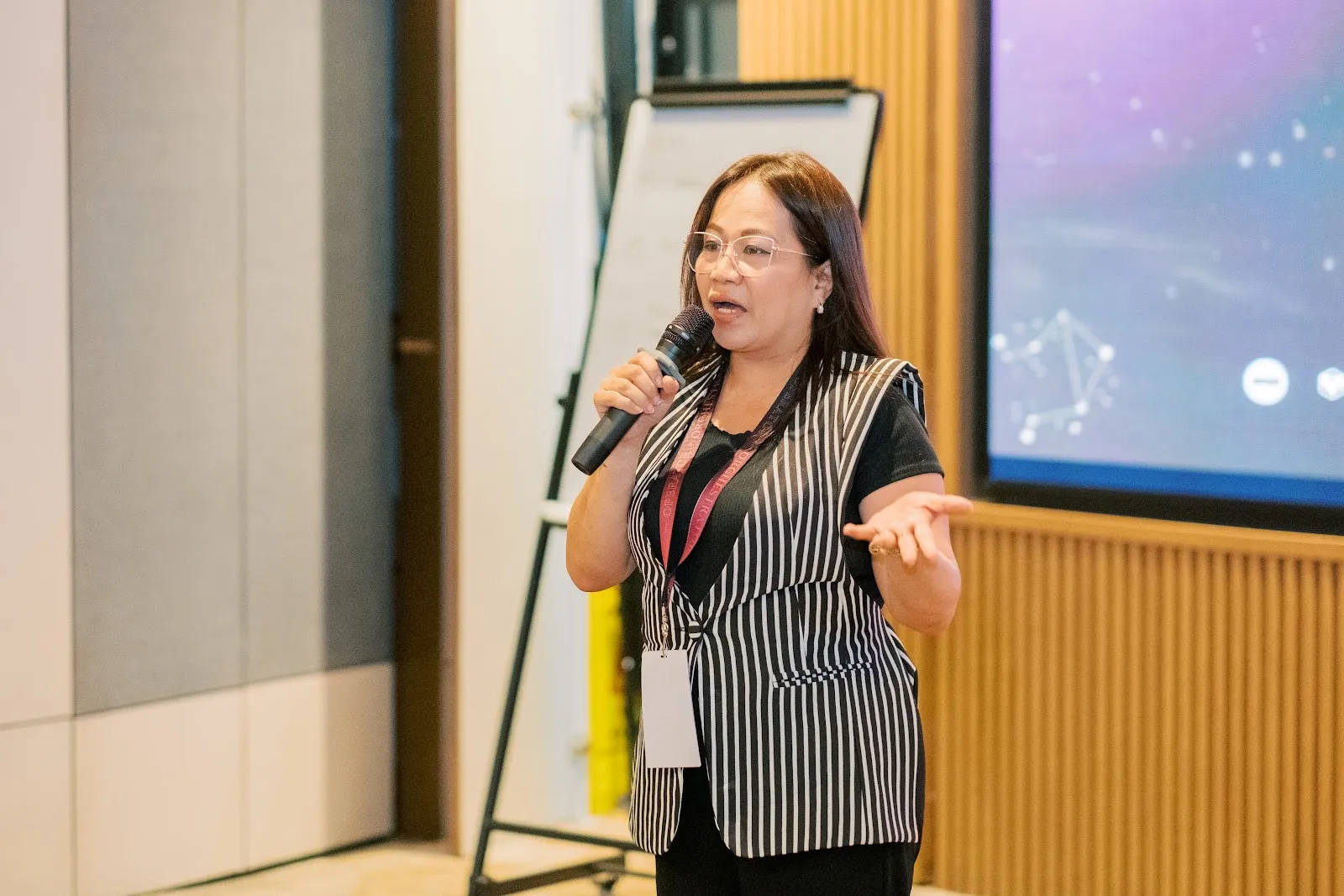
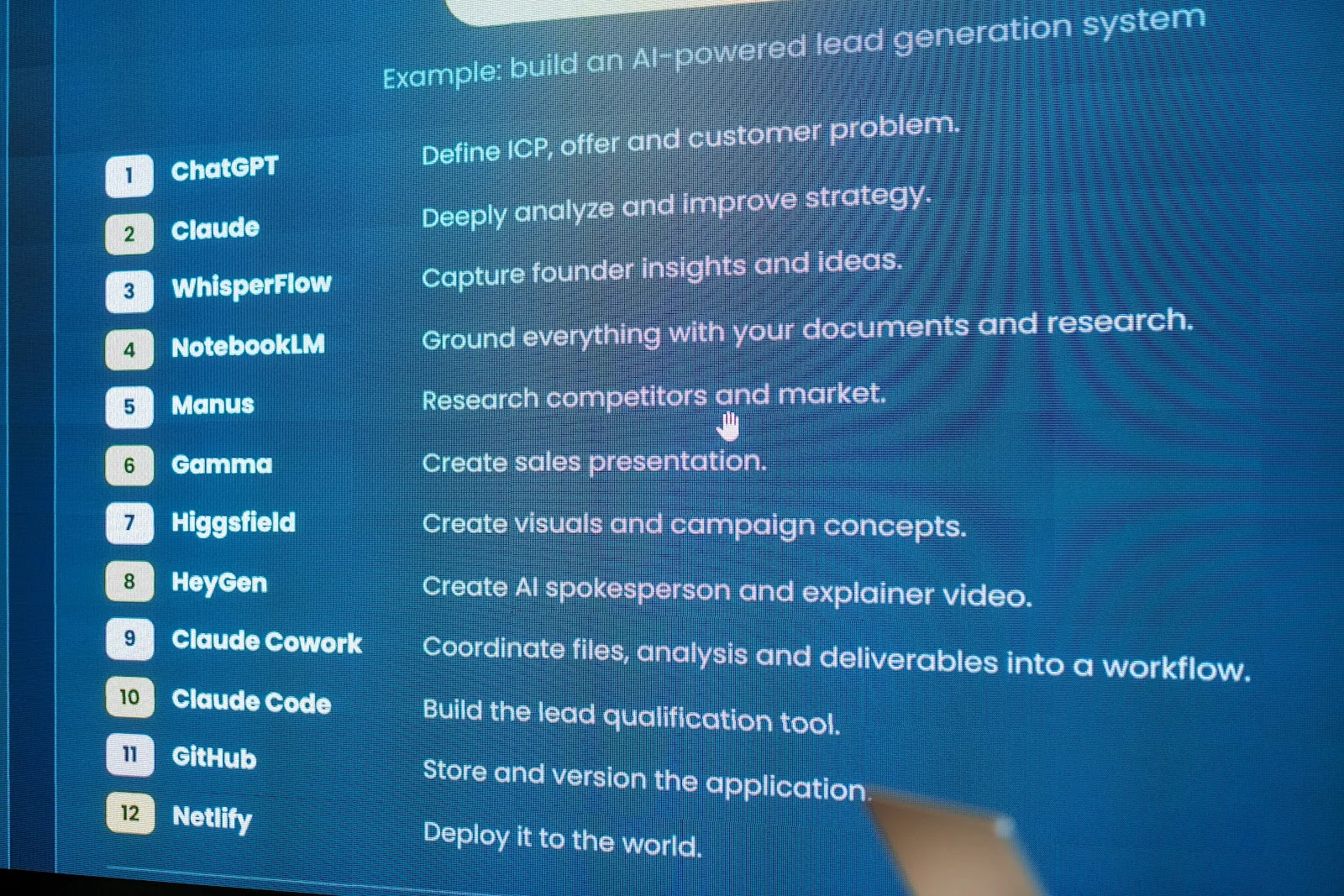
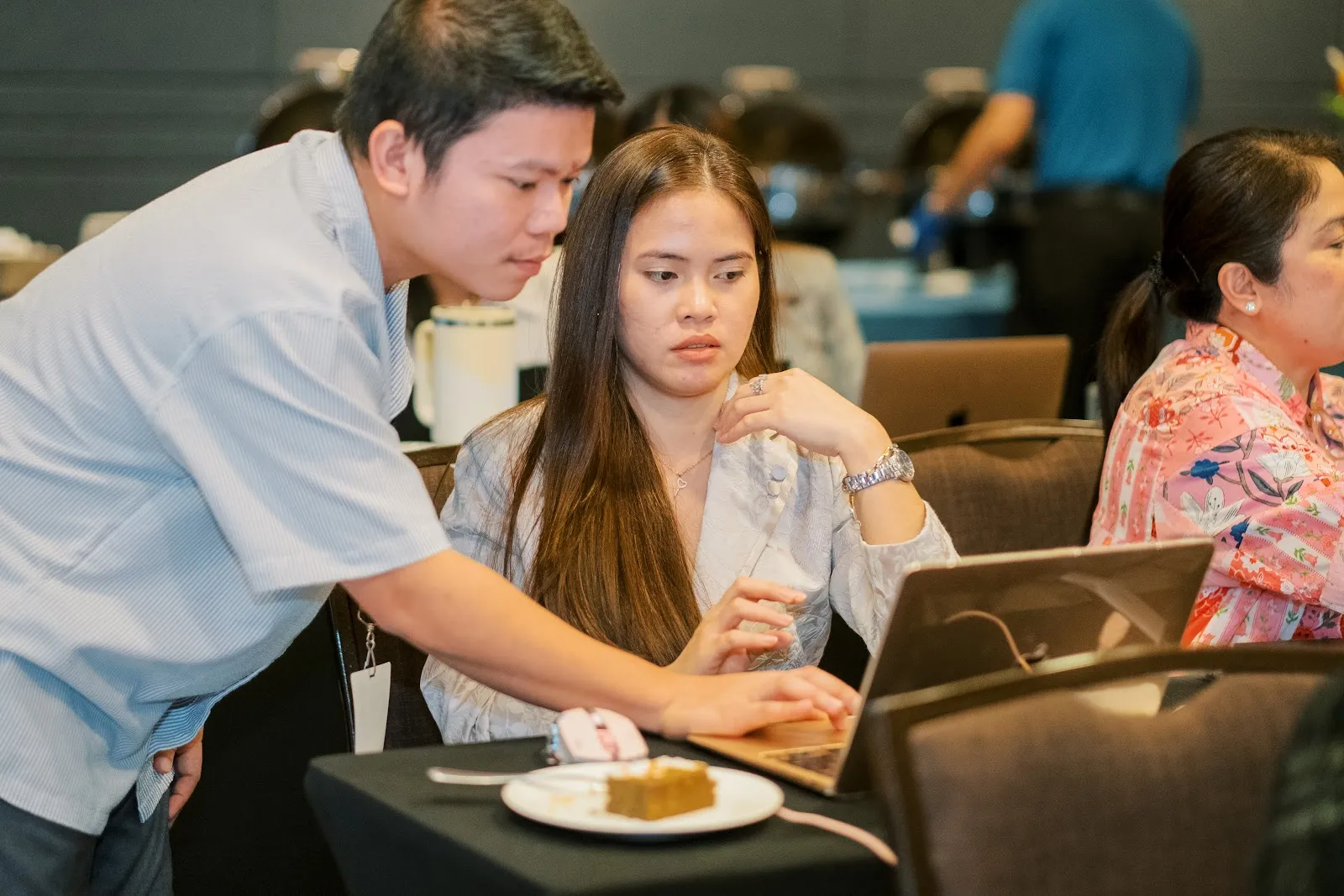
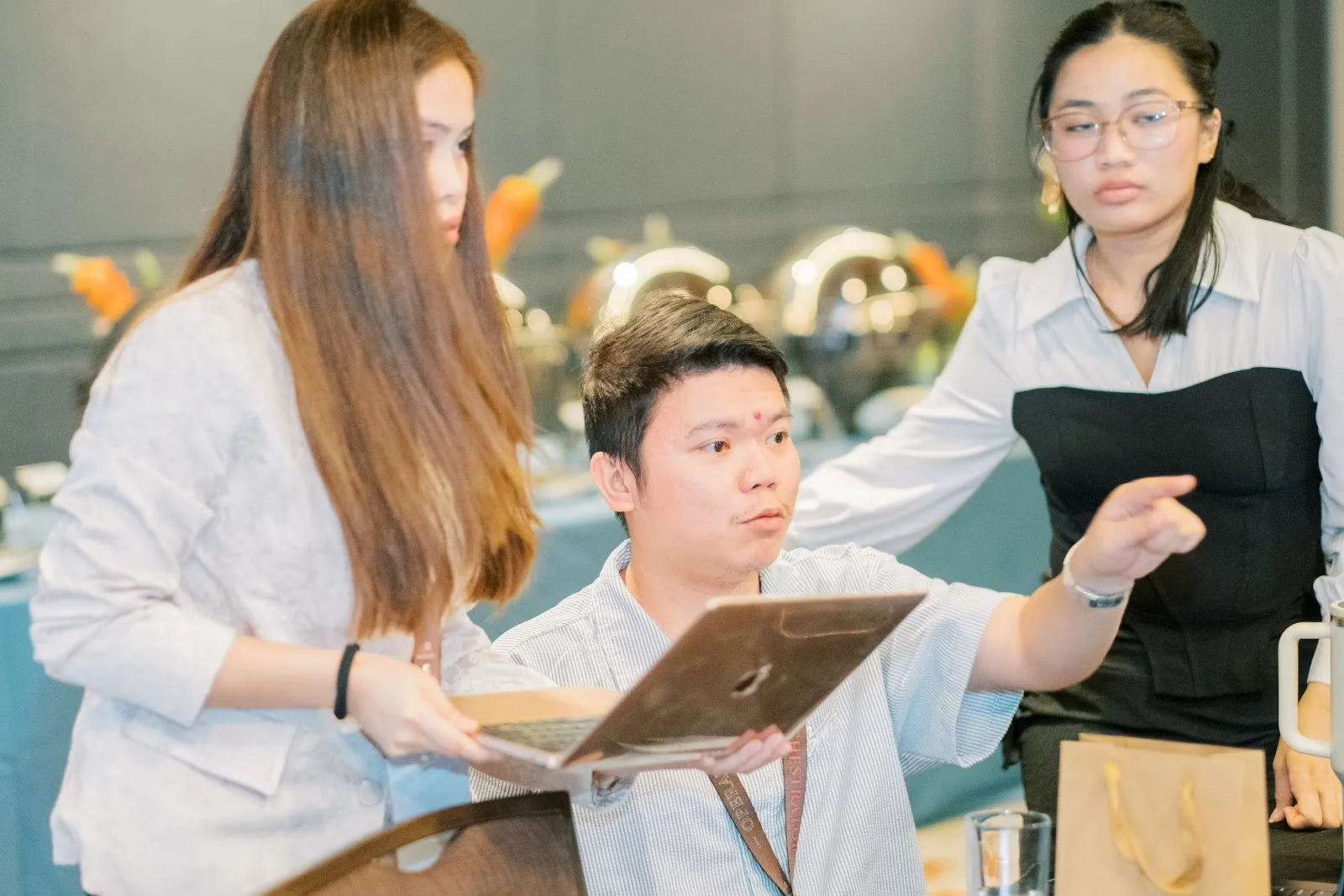
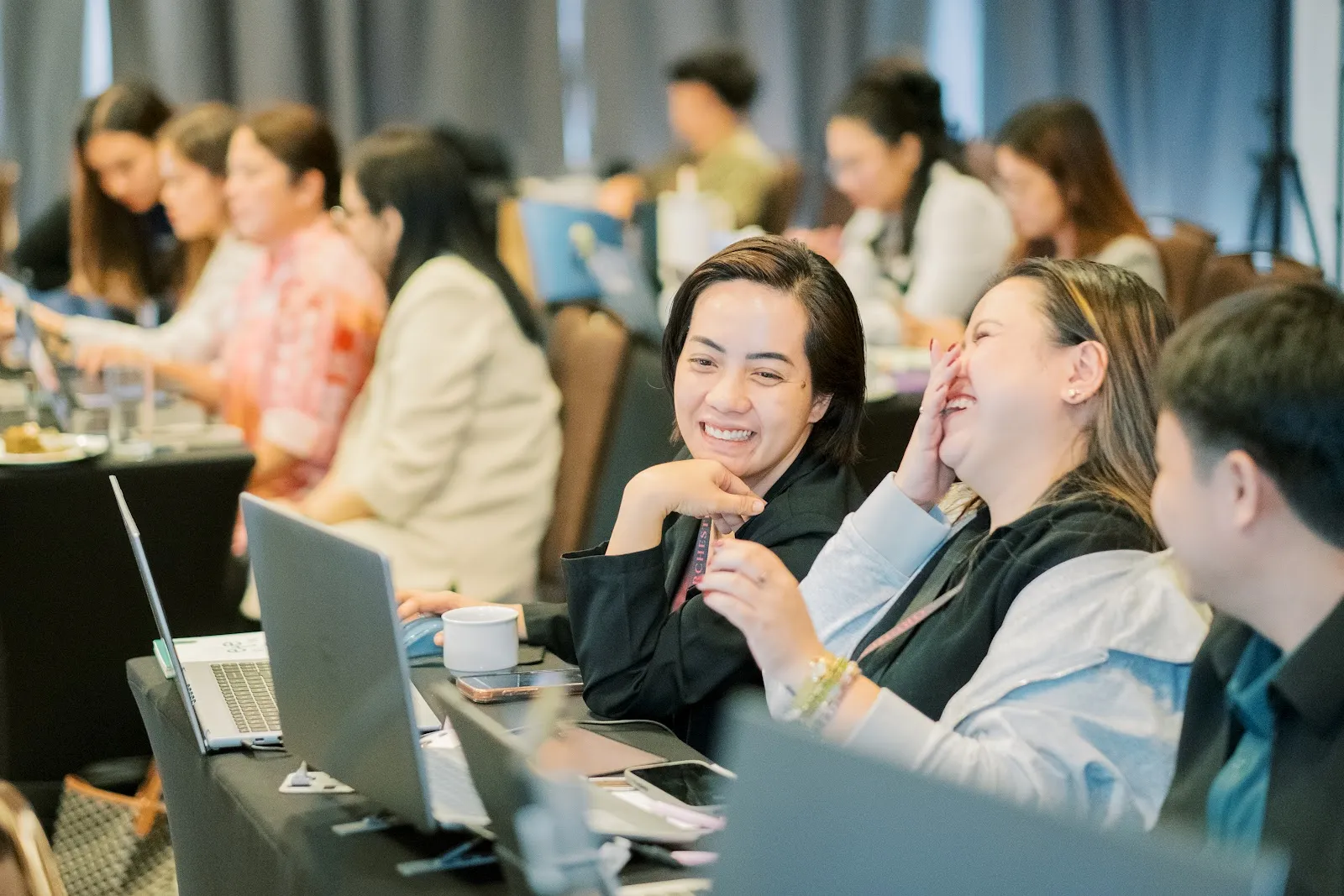
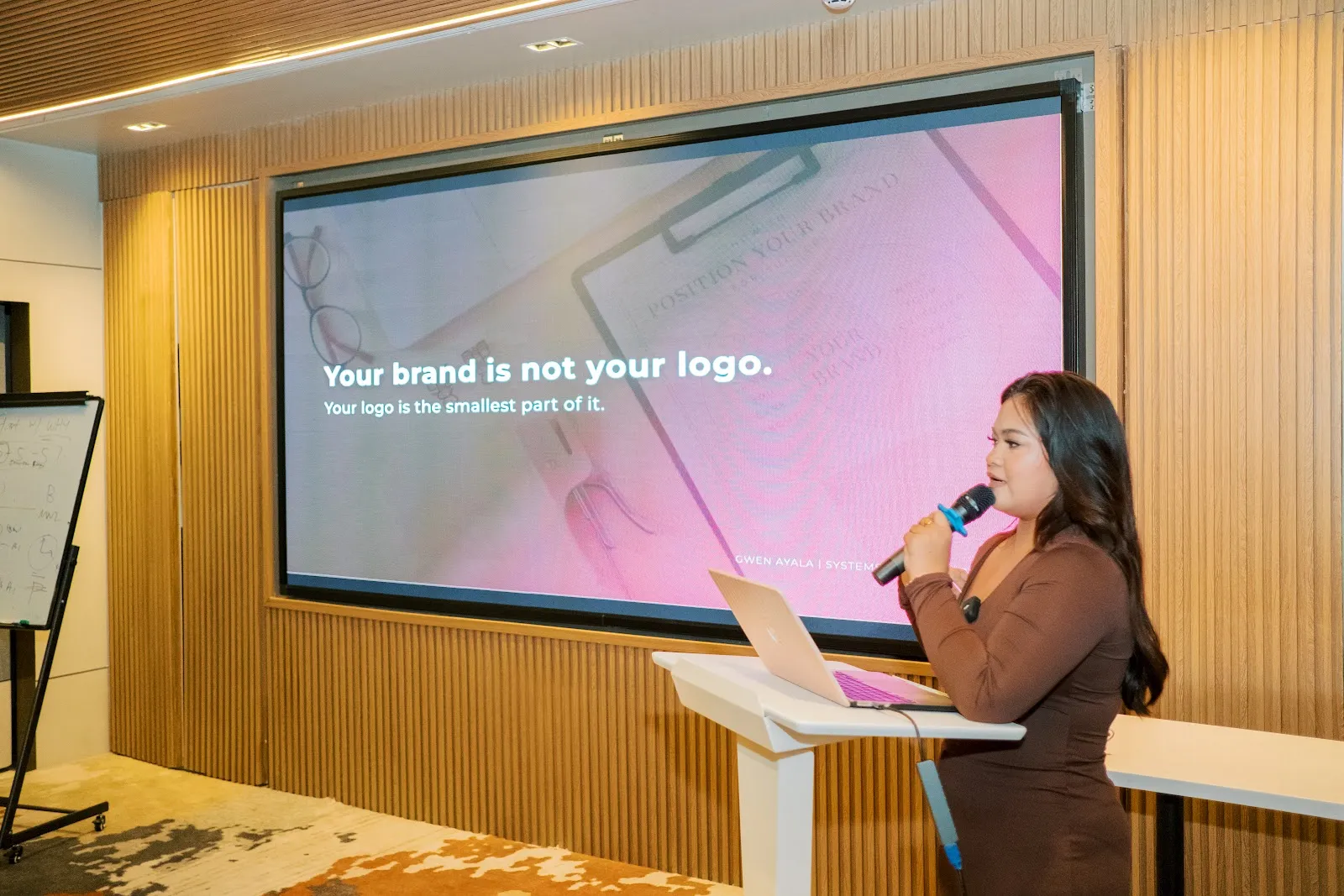
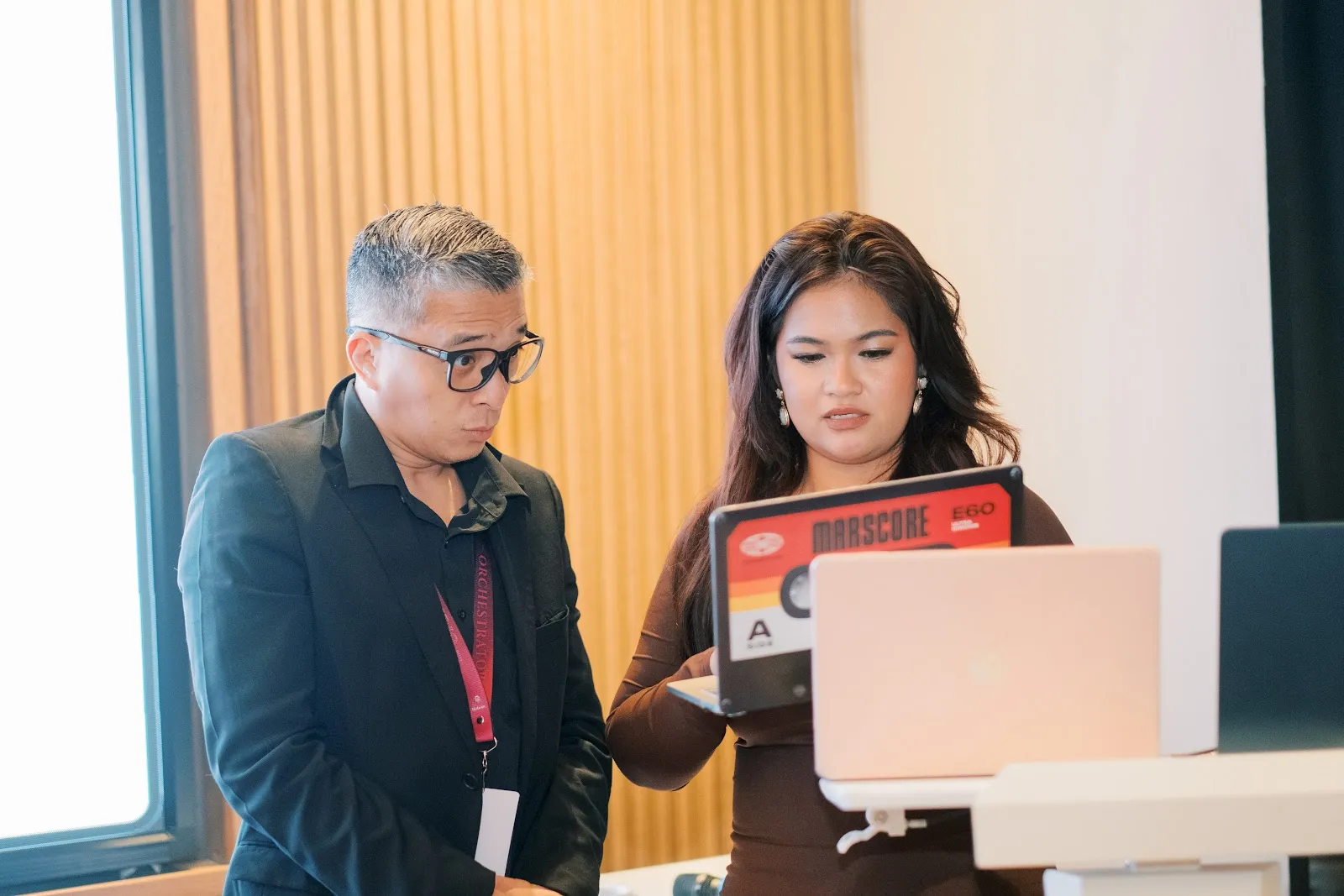
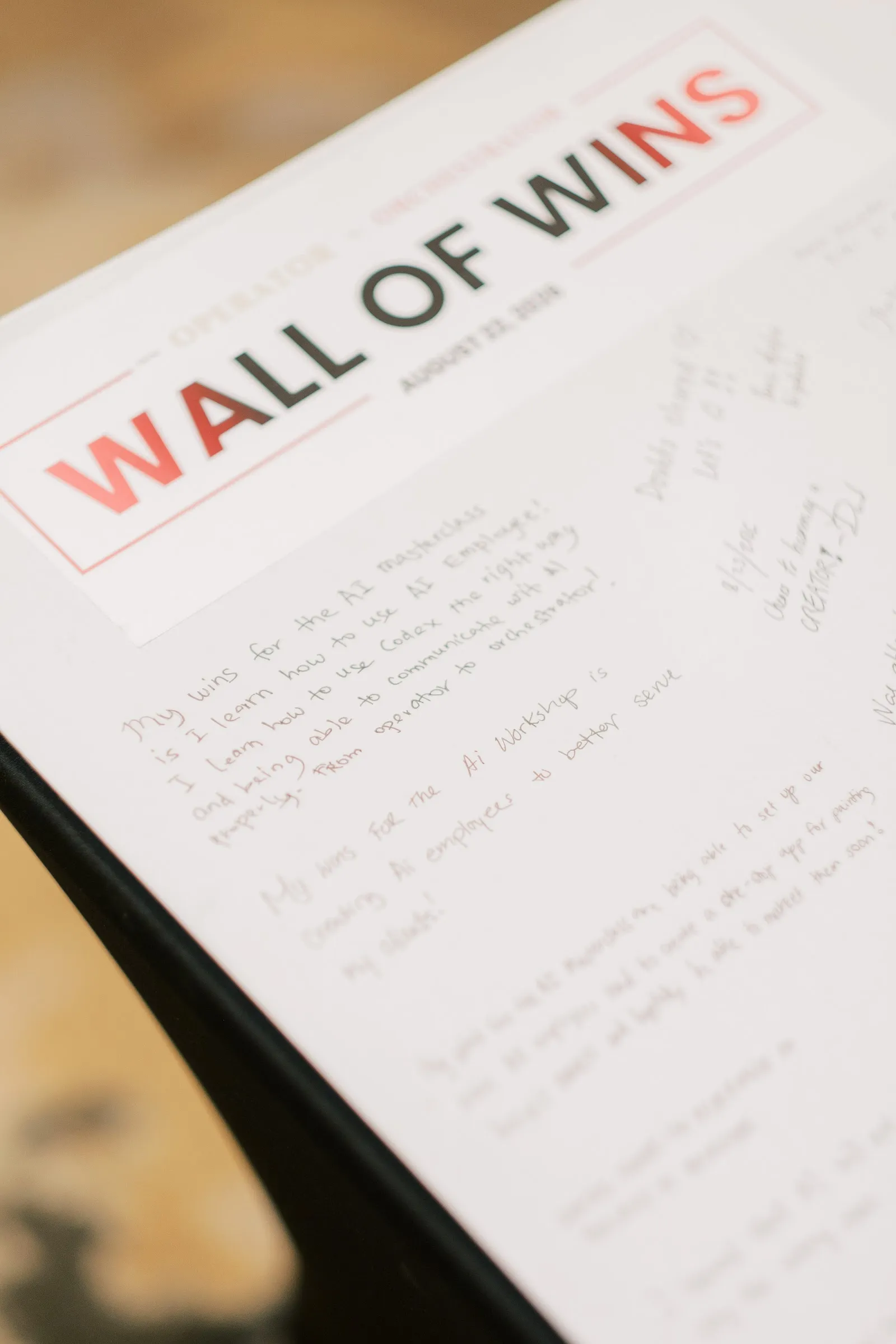
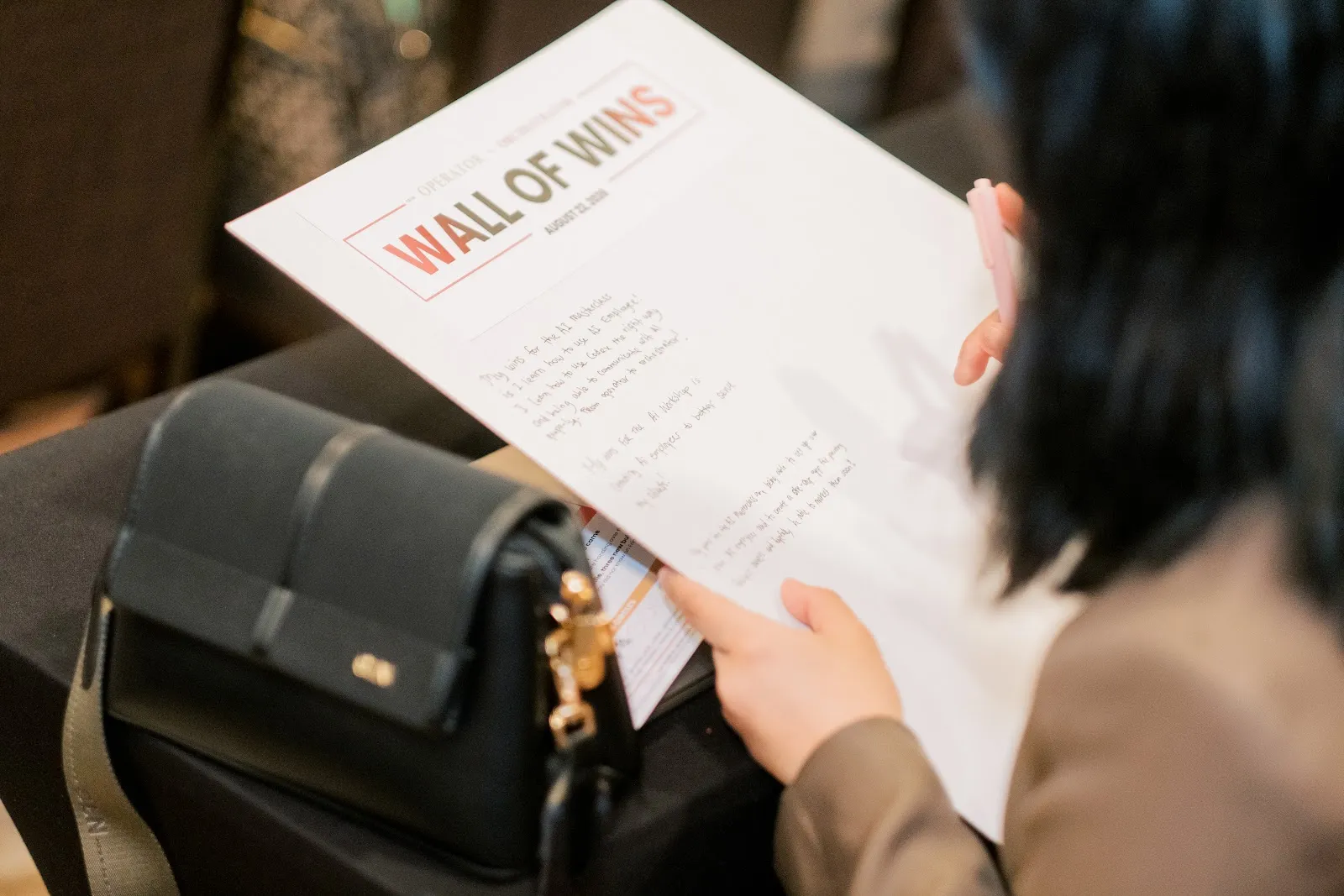
Wall of Wins
The wall where founders posted what they shipped, as it stood at the end of the two days.
Who taught it
Speaker 01
Marketing with AI, systems and the lead engine. Founder, Ayala Virtual Assistance and Filipina Women in Business. Co-founder, Robots and Coffee.
Speaker 02
AI employees, build and tech, with live floor support all the way through. Founder, JTL Growth. Co-founder, Ayala Virtual Assistance and Robots and Coffee.
Booths in the room: Biyahe Ko, Gencys Group, Prime, Valenin Technologies and Kraftina, across the two days.
One more thing.
Batch 2 ran Sept 19 to 20, 2026, same venue. Batch 3 has no dates yet: join the list and you hear first, before a seat goes out.
Already attended? Your access page has the commands and the code from your room.